A Quiet Place for Notes
August 19, 2024
A personal blog does not need to compete with an application dashboard.
It can give ideas room to breathe and place useful context close to the paragraph that needs it.
This section appears only after the visitor opens the full article. It is meant to showcase examples shown in this freeCodeCamp News tutorial.
Newthougths
Use the newthought shortcode to introduce a new section or changes in the argument:
A new thought begins here. Keep in mind that a good layout should make reading easier.
Sidenotes
Sidenote This is a sidenote. It appears beside the main text on wide screens and becomes part of the reading flow on smaller screens.
You can enrich notes with Markdown:
Sidenote This note includes bold text and a link.
A marginnote is not a sidenote, see the difference: A margin note does not use the same numbered-note treatment as a sidenote.
Margin Figures
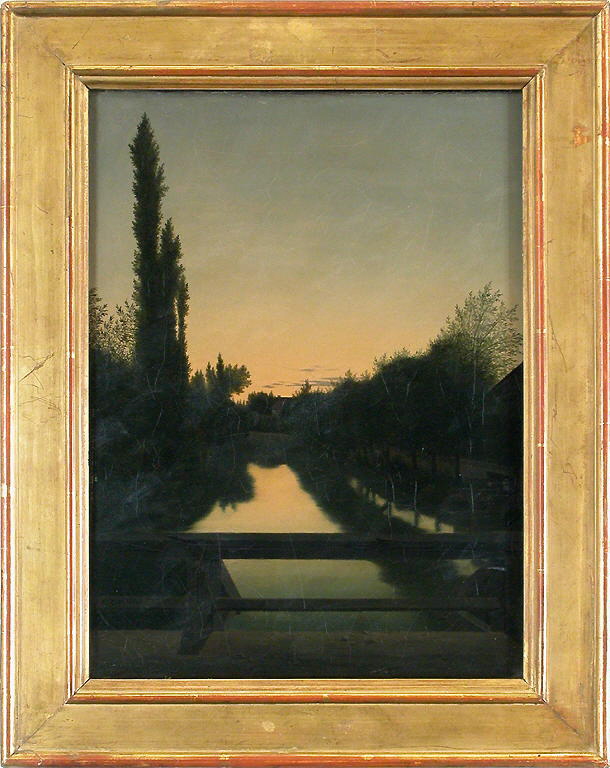
A quiet place to read and write.
To place figures in the margin, use the marginfigure shortcode (note that it takes three parameters that must be enclosed in quotes):
Margin figures help establish a visual hierarchy. The main text represents the primary argument while the margin figures supports or illustrates data.
Main Columns Figures
The maincolumn is meant for figures that should be constrained to the main column.
Full Width Figures
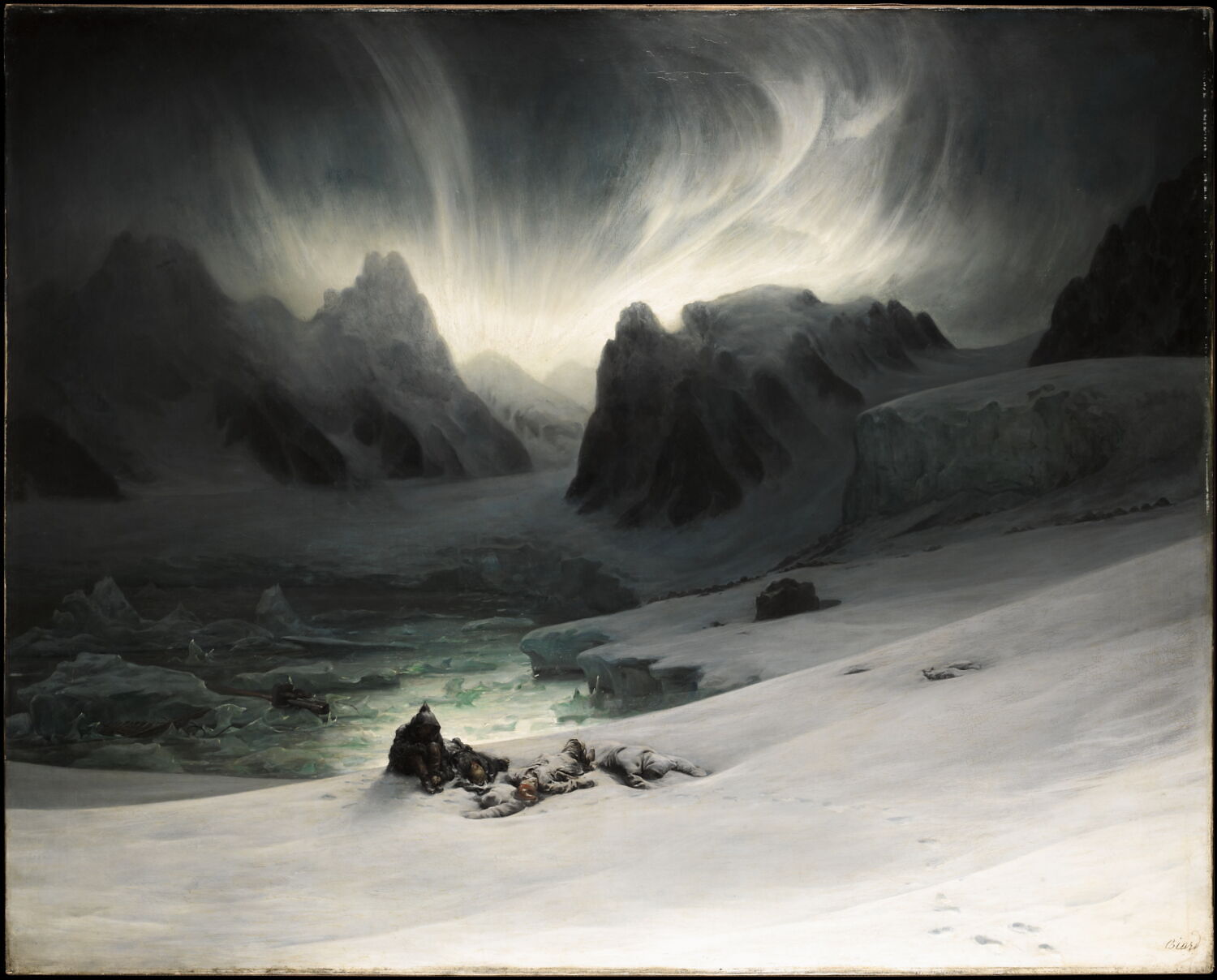
For information rich material, it is important to display a full-width image or figure. These figures will expand beyond the main column to fit within the larger part of the viewport.
Epigraphs
Epigraphs are short quotations placed at the beginning of a chapter to suggest its theme and set the tone.
The details are not the details. They make the design.
They function like this:
A short quotation.
Mathematical notation
If activated, this theme loads MathJax to render both inline and block-level mathematical notation.
$$ \int_0^1 x^2\,dx = \frac{1}{3} $$
The result is: $$ 1/3 $$
Tables
Tables are a big thing !
| Format | Best use |
|---|---|
| Sidenote | Supporting context |
| Margin figure | Small visual |
| Full-width figure | Wide diagram |
tufte-python provides a broad range of possibilities.
Code snippets
print("See you soon !")
That’s it! More examples are available in this post and in this one. Also, do not forget to check the project’s Readme.